Windows diagnostic-log confidentiality and safe sharing
Reduce the risk of leaking account identifiers and secret tokens when preparing diagnostic logs for support.
Classify sensitive fields01 > identify sensitive fields 02 > redact a delivery copy 03 > protect retained originals 04 > confirm trusted recipient 05 > expire unnecessary exports

Select a specific support task
Classify sensitive fields in diagnostic logs
Open →CHECK 02Redact user identifiers before sharing
Open →CHECK 03Export logs without exposing secret tokens
Open →CHECK 04Choose secure short-term storage for raw logs
Open →CHECK 05Create a support handoff manifest and expiry plan
Open →CHECK 06Validate file integrity after receiving support feedback
Open →CHECK 07Retain or delete diagnostic evidence safely
Open →PRODUCTFolder Lock: suitability, setup boundaries and alternatives for windows diagnostic-log confidentiality and safe sharing
Open →Non-negotiable handling boundary
Encrypted storage does not automatically redact log contents, encrypt email transmission, disable telemetry, or make plaintext exports disappear.
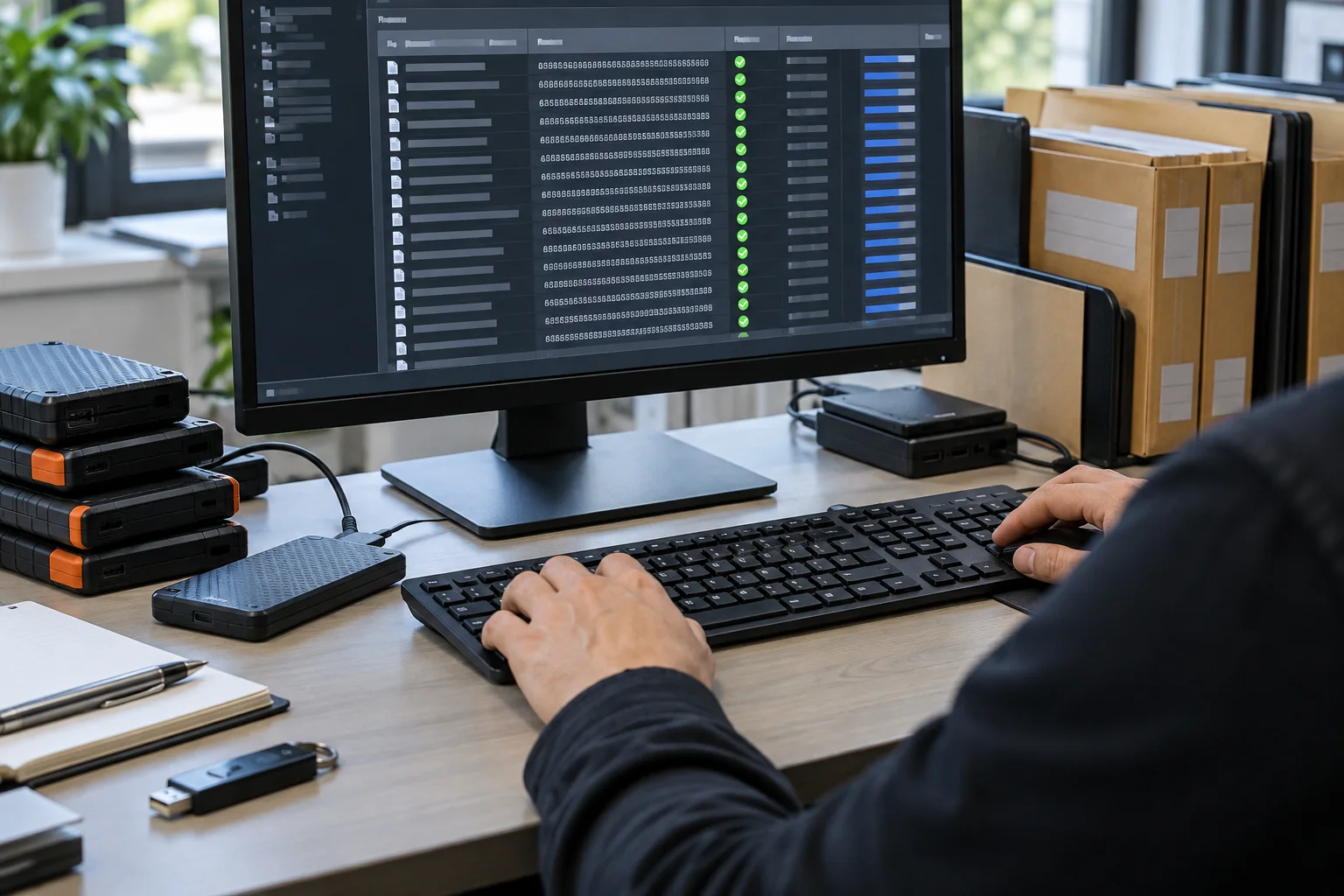
Explore the practical workflow
Illustrated scenarios for the key decisions covered in these guides.

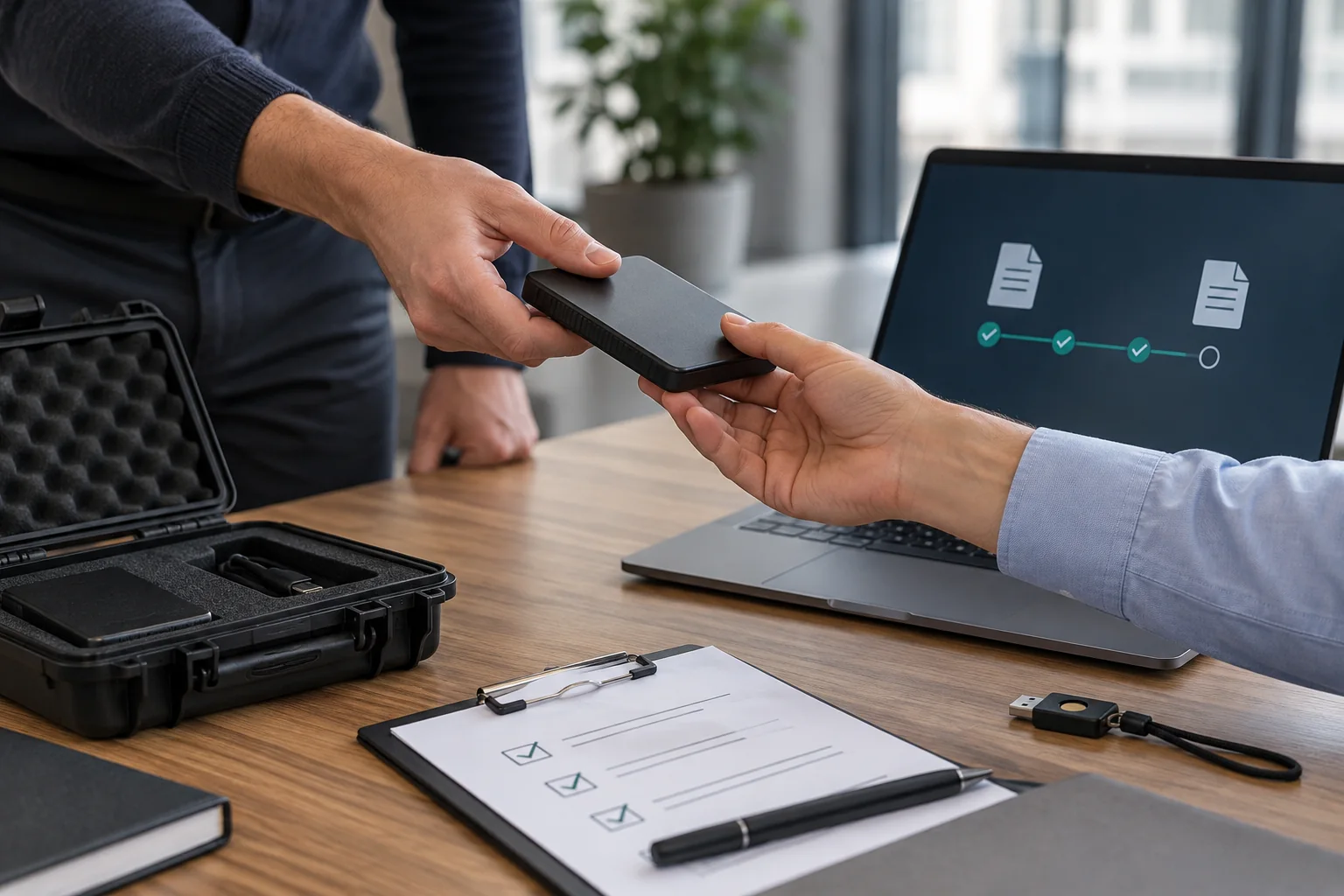

Protect Windows diagnostic evidence throughout their lifecycle
A Windows workstation crashes, and the support team needs logs that explain the failure without revealing customer data or account credentials. This site follows the material from incident reproduction, evidence collection, support handoff and case closure. The aim is a usable, well-governed record that minimizes exposure without impairing legitimate work.
The record lifecycle
Organize the work as incident reproduction, evidence collection, support handoff and case closure. At each point, name the record owner, the permitted storage location and the person authorized to approve external access. A security plan with no usable editor or case owner will be bypassed when deadlines become tight.
Where the risks actually appear
The three early-review examples are usernames in profile paths, access tokens embedded in application logs and internal IP addresses and device identifiers. Look beyond the final encrypted file: previews, device notifications, download folders and backup services can carry copies or identifying context.
How to use this site
Start with the records inventory and classification guide. Then design the encrypted working copy, handoff and restore, and finish with retention and troubleshooting. Microsoft documents that Diagnostic Data Viewer can export diagnostic data to CSV and warns that public Feedback Hub content should not contain personal information.
Apply the documented controls to Event Viewer exports.
Practical implementation checklist
- Identify the accountable approver for Windows diagnostic evidence and write down the exact event being protected.
- Choose a non-sensitive sample drawn from the same format as minidump archives; never use a real identity, key or patient record in a public example.
- Compare the unprotected working copy, restricted recipient copy and intended retained copy. Confirm where extra versions are created.
- Record the approved destination, any failed test, and a date for reassessing the workflow when personnel or software changes.
Questions readers should resolve
Is encrypting Windows diagnostic evidence enough to keep it safe?
No. Encryption addresses certain storage risks, while recipients, device backups, working copies and identity links require separate controls. For Windows support artifacts, this means checking minidump files, handling trace tokens separately, and using a fake Event Viewer export as the review example. Maintain a small example that is easy for the owner to lock, reopen, close and recover without credentials from a real user.
Who should approve this Windows diagnostic evidence workflow?
Assign a named owner. In this context, start with the assigned support case owner and a designated security reviewer and confirm the applicable organizational authority.
Research and documentation
These sources support the technical boundaries described here. They are not substitutes for testing the current software on the target device, checking legal requirements, or independently confirming product claims.
- Microsoft: Diagnostic Data Viewer
- NewSoftwares Folder Lock: documented features
- Folder Lock FAQ and lost-password limitations
Editorial note: No paid link placement is required for this guide. Product information, if mentioned, describes one possible tool and should not be read as an endorsement or an assertion of universal compatibility.